WebGL Tutorial: How to Use It for Products and Integrate It into Browsers
Discover how WebGL revolutionizes your product presentation and impresses customers with interactive 3D visualizations.
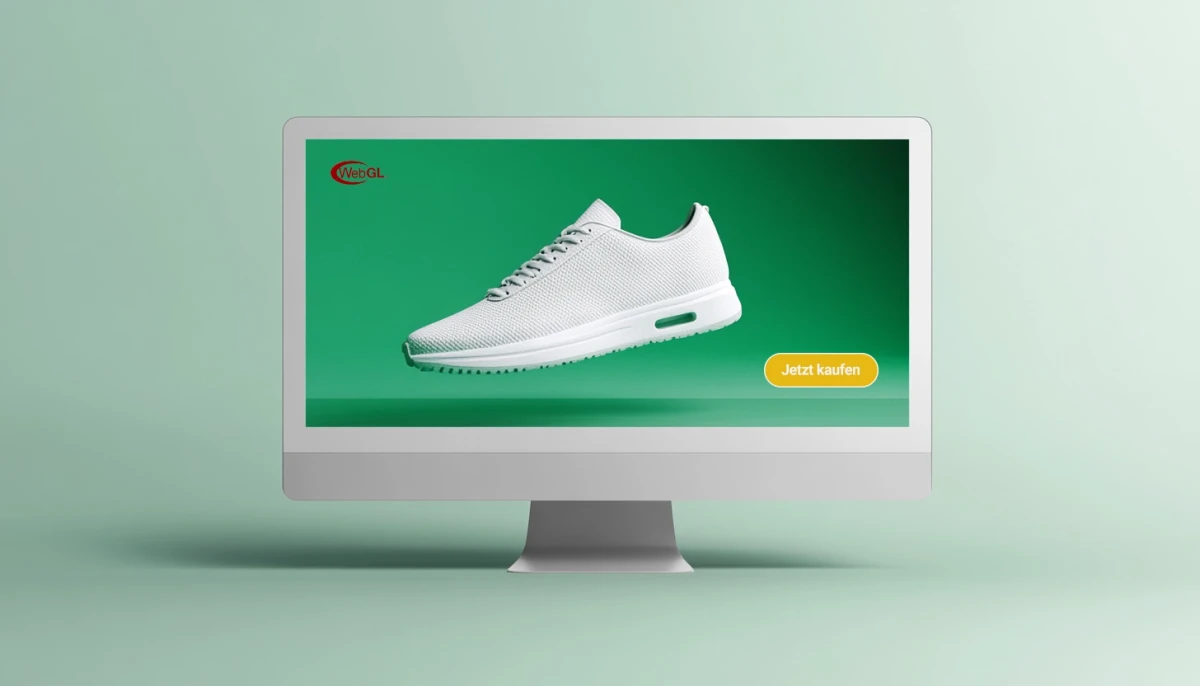
What is WebGL and why is it relevant for product marketing?
In a world where visual content is gaining ever more importance in marketing, WebGL offers companies the opportunity to display products realistically and interactively in the browser. This technology enables 3D graphics to be rendered directly in browsers without additional plugins. This elevates the presentation of products to a new level, making it an attractive option for product managers and marketing professionals.
Definition and Functionality of WebGL
WebGL (Web Graphics Library) is a JavaScript API that allows developers to render 3D graphics in real-time directly in the browser. Based on OpenGL ES 2.0, a graphics library for mobile devices, WebGL utilizes the power of the graphics card to display graphically demanding content. This technology is particularly suitable for photorealistic visualizations, as it accurately reproduces the textures and light reflections of an object.
WebGL works by enabling the display of 3D models on a canvas in the browser's HTML code. These canvas elements provide developers with a flexible surface on which they can embed complex 3D scenes and animations. This technique can be used in combination with 3D software tools, such as Three.js, to make the creation and integration of 3D visualizations even easier.
Advantages and Disadvantages of WebGL in Product Marketing
Advantages of WebGL
WebGL offers some decisive advantages that are of great importance for product marketing:
- Interactivity: Users can view products from different angles, zoom, or rotate, gaining a more comprehensive understanding of the product.
- Realistic Representation: By using high-quality textures and light reflections, products can be visualized as realistically as possible.
- High Compatibility: WebGL is largely compatible with modern browsers, which increases the reach of applications and eliminates the need for additional plugins.
Disadvantages of WebGL
Nevertheless, there are also challenges when using WebGL:
- Compatibility Issues: Although WebGL works in most common browsers, there are older or outdated browsers that do not support the technology.
- Performance Concerns: On devices with lower hardware performance, the use of WebGL can lead to performance problems, which can negatively affect the user experience.
Activating WebGL in the Browser: Step-by-Step Guide
Activating WebGL is the first step to using this technology in your product marketing. Here we explain how to activate WebGL in different browsers and ensure that 3D visualizations are displayed correctly.
How to Activate WebGL in Chrome
Chrome is one of the most popular browsers and supports WebGL by default. If WebGL is not active in your Chrome browser, you can activate it in a few steps:
- Open Chrome and type
chrome://flags/into the address bar. - Search for "WebGL" in the search field.
- Make sure WebGL is set to "Enabled".
- Restart Chrome for the changes to take effect.
With these steps, WebGL should be ready for use in Chrome, and all 3D visualizations in WebGL should be displayed correctly.
Checking WebGL Support in Other Browsers
In addition to Chrome, other browsers also support WebGL. For example, you can check WebGL support in Firefox and Safari as follows:
- Firefox: Open the menu and navigate to "Settings" > "Advanced". Enable the option for hardware acceleration.
- Safari: Go to Safari settings and enable "Developer tools" under "Advanced". Then check if WebGL is enabled.
Ensuring WebGL support in browsers like Safari and Firefox is crucial to ensure high reach and compatibility. If WebGL is to be used comprehensively in your company, a brief note on activation for users can also be included to circumvent possible compatibility problems.
Integrating WebGL into Your Website: A Guide for Optimal Integration
Integrating WebGL into your website offers the opportunity to display interactive 3D models of your products and sustainably improve the customer experience. To successfully use this technology, some important tools and best practices must be observed.
Tools and Libraries for WebGL Integration
Integrating WebGL can be facilitated by using libraries and tools such as Three.js. This JavaScript library offers a user-friendly API and various functions for creating 3D models, adding animations, and implementing lighting effects. In addition to Three.js, there are also tools such as Babylon.js and GLTF viewers, which provide similar functions for the development of WebGL applications.
Best Practices for Successful Integration
A smooth integration of WebGL on your website ensures that visitors can use the 3D representations without problems. Observe the following points:
- Optimize loading times: WebGL applications can be data-intensive. Therefore, it is advisable to optimize 3D models for the web and keep file sizes as small as possible.
- Performance optimization: Reduce the number of textures and polygons to ensure a fluid user experience, especially on mobile devices.
- Keep usability in mind: User guidance is crucial for the interactivity of WebGL applications. Make sure that all control options, such as rotation or zooming, are intuitive and understood even by users without technical knowledge.
Application Examples: How Product Managers Benefit from WebGL
WebGL offers product managers an innovative way to present products digitally and create interactive experiences that engage customers. Companies in various industries successfully use WebGL to improve the shopping experience and increase their brand awareness.
Successful Practical Examples from the Industry
In the automotive industry, leading brands use WebGL to display vehicles in 3D in the browser and enable customers to create realistic vehicle configurations. The fashion industry also relies on WebGL to virtually try on clothing and realistically display the textures and colors of materials. Another example is the electronics industry, where companies present products such as smartphones or laptops in detail. Learn more about the benefits of CGI animations in the electronics industry here.
Key Erkenntnisse for Use in Your Own Company
The insights from these application examples show that WebGL offers an excellent way to bind customers to a brand through interactive experiences. In practice, configuration tools and detailed product views that give the customer a "tangible" idea of the product prove particularly successful. Even for companies that are still in the early stages of digital product presentations, the use of WebGL is a valuable step towards improving the shopping experience.
WebGL Alternatives for Product Visualization in the Browser: Possibilities and Limitations
Although WebGL is a powerful tool, there are alternative technologies that can be equally valuable in certain scenarios. Depending on a company's requirements, these alternatives offer unique advantages and disadvantages.
Pixel Streaming: Real-Time 3D Rendering Without Performance Issues
Pixel Streaming enables the display of 3D visualizations in real-time without heavily burdening the end-user's hardware. Here, the 3D model is rendered on a server and streamed to the end device. This method is particularly suitable for data-intensive applications that need to run smoothly on mobile devices or older computers. Here you can learn more about the benefits of CGI marketing.
Other Technologies and Platforms as Alternatives to WebGL
In addition to Pixel Streaming, there are platforms such as Unity WebGL and Babylon.js, which can serve as alternatives to WebGL depending on the application and technical know-how. Unity WebGL is primarily used in the gaming industry but is also suitable for product visualizations that rely heavily on interactivity and animation. Babylon.js is another JavaScript library, which, similar to Three.js, enables the creation of complex 3D scenes. Both technologies offer a variety of possibilities, but the choice of platform should always depend on the technical requirements of the project.
Difference between WebGL and GLB
While WebGL is a programming interface that can render 3D content in the browser, GLB is a file format for storing 3D models. The GLB format stores model data and is particularly space-saving, which makes it ideal for web applications. By combining GLB and WebGL, 3D models can be efficiently integrated into browser applications.
Conclusion: WebGL as a Game Changer in Digital Product Marketing
The ability to display products interactively and photorealistically in the browser makes WebGL an indispensable tool in modern product marketing. For companies that want to strengthen their brand presence and customer experience, WebGL offers a future-proof way to engage customers in an innovative way. From the automotive industry to the fashion industry: WebGL is the key to a new era of product visualization on the web.
FAQ
What is WebGL and why is it important for product marketing?
WebGL is a technology for displaying 3D graphics in the browser and enables interactive, photorealistic visualizations that enrich the customer experience and strengthen product marketing.
How do I activate WebGL in Chrome?
To activate WebGL in Chrome, type chrome://flags/ into the address bar, search for "WebGL", and ensure the setting is "Enabled". Restart the browser for the changes to take effect.
What alternatives to WebGL are there for product visualization in the browser?
Alternatives include Pixel Streaming, Unity WebGL, and Babylon.js. These technologies offer unique advantages depending on the application, especially for data-intensive or interactive applications.