RenderThat HUB: New Features for the Asset Page
News about the development of the RenderThat HUB from February 2025.
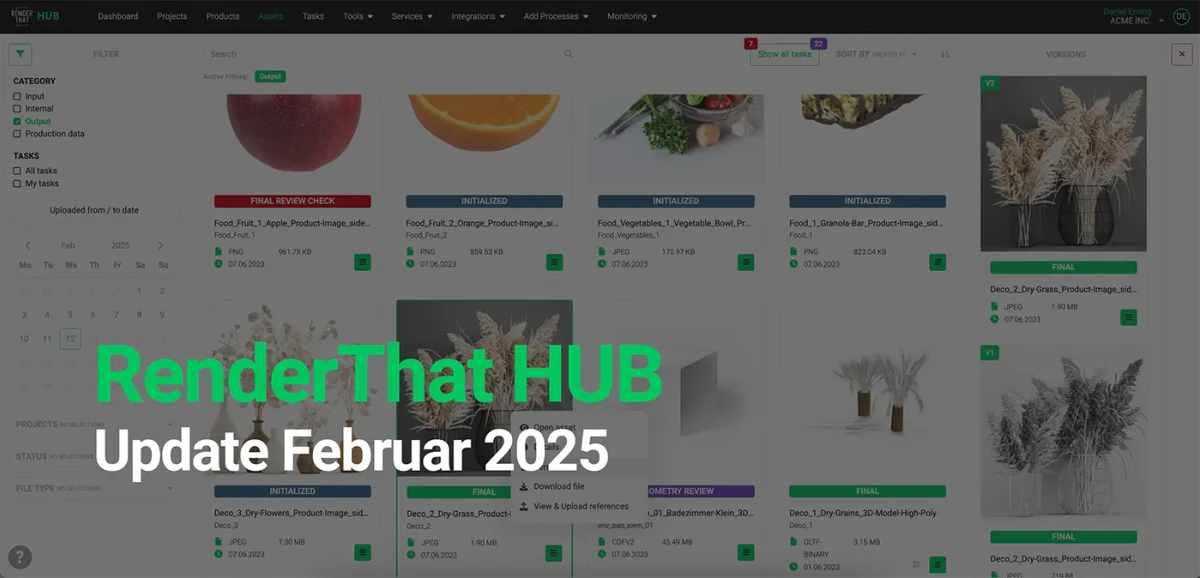
With the RenderThat HUB, we have created a space that simplifies and optimizes content production for everyone involved.
Our team is continuously working on improving tools and integrating feedback from our customers.
Here are the current updates in the RenderThat HUB:
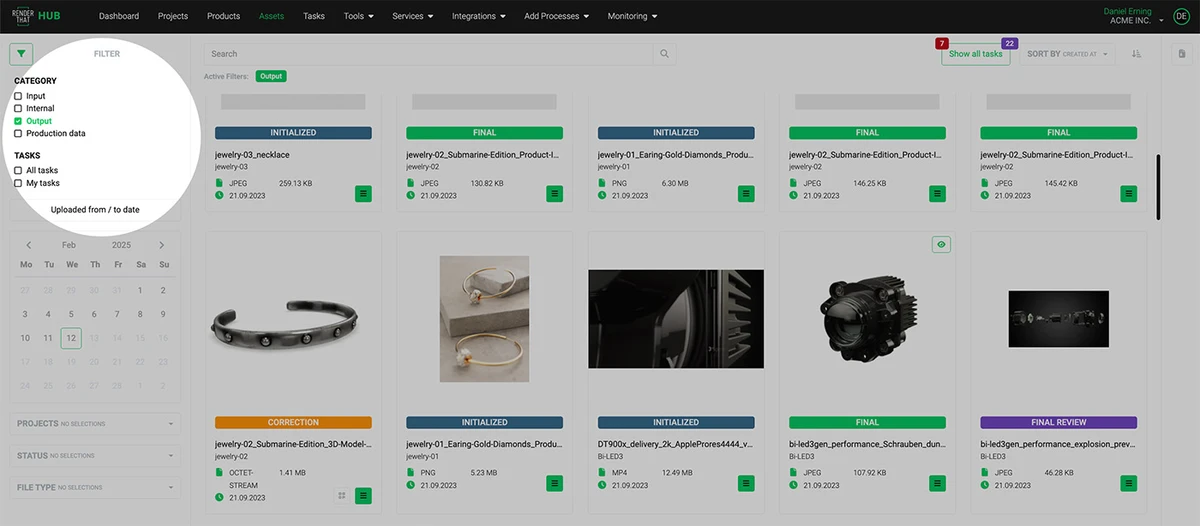
Filtering on the Asset Overview Page
| New Feature | Description | Benefit |
|---|---|---|
| Asset Page: Task Filter on the left | Filterable, resizable sidebar within the Asset Page | A further step to increase usability and integrate individual proven menu items within a large, high-performance page |
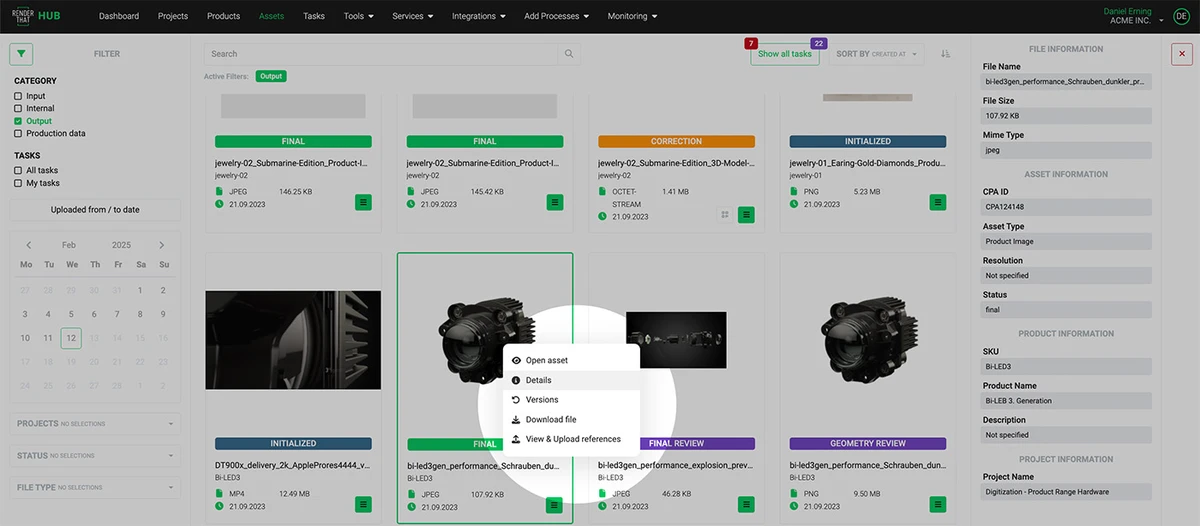
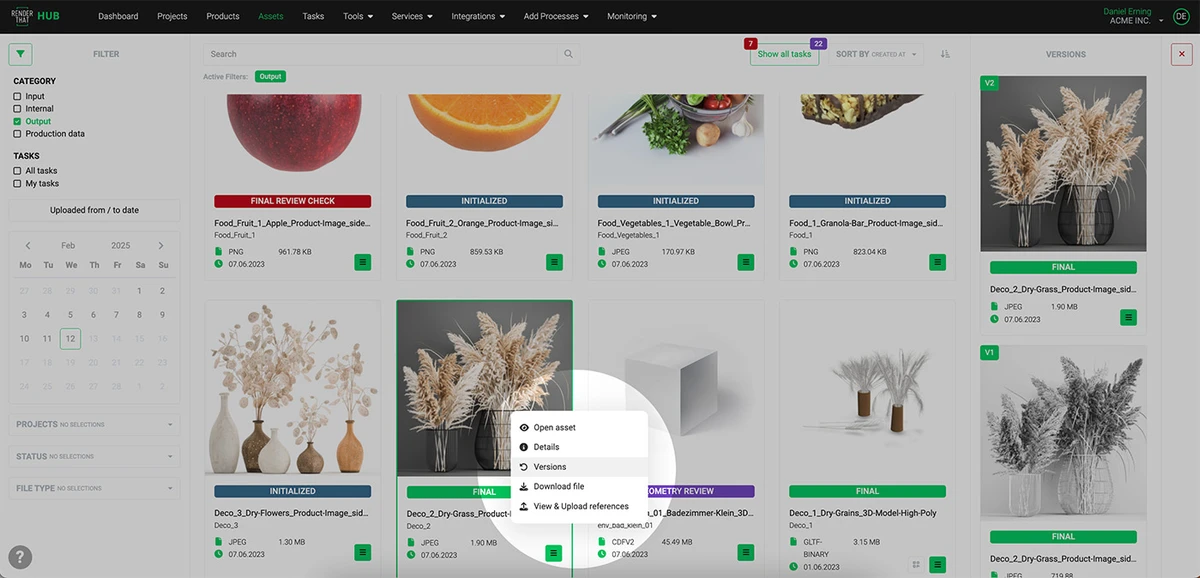
More Details and Background Information within the Asset Page
| New Feature | Description | Benefit |
|---|---|---|
| Asset Page: Information Bar on the Right | Direct access to details and versioning via right-click | Speed, allowing users to learn details about an asset directly via right-click or view older versions of the asset directly |
Visual Content Production Has Never Been Easier
Learn more about how we produce scalable content for large portfolios. Naturally, in excellent quality.
Take a look around here and book a free demo appointment:
All about the RenderThat HUB.